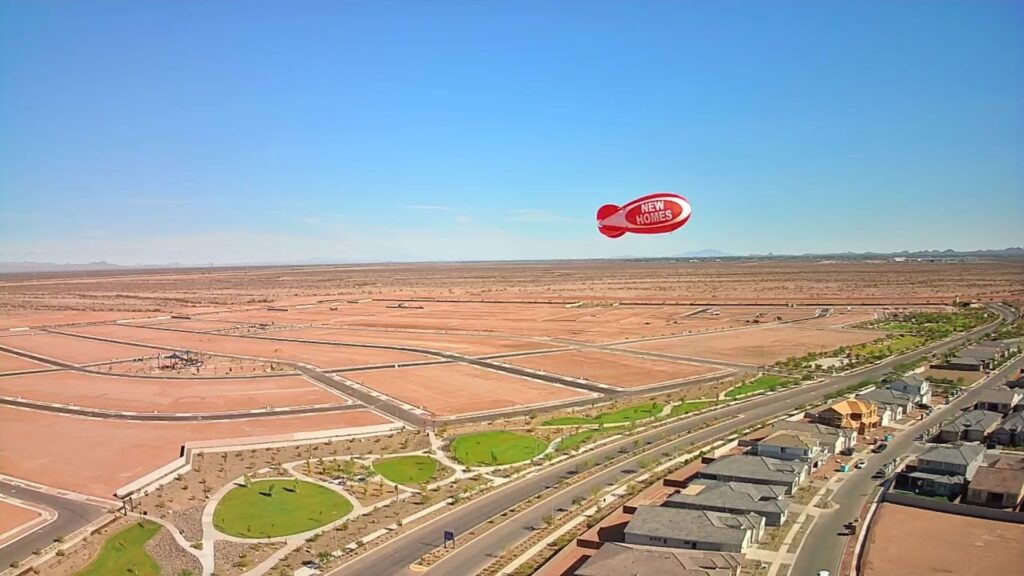
Before an event, keep dated photographs of your blimp and its supplied equipment, identify the model, and send any unexplained change to the supplier. A photo record helps describe a concern; it does not certify the equipment for use.
Arizona Balloon Company describes its advertising blimps as helium-filled tethered displays. Keep the exact model and the instructions supplied with your equipment together; a different product photograph may show different components.
Describe what changed
Photograph the equipment before the next event without attempting to diagnose it from appearance alone. Record the date and describe the observation plainly, such as a missing item or a mark you want the supplier to review. Preserve the earlier photographs for comparison.
Separate a record from permission to operate
Ask the supplier what to do when a condition is uncertain. Follow the supplied instructions and obtain the necessary location review separately. An intact-looking photograph does not establish weather suitability, tether strength or permission for a site.
If an email draft does not open in your mail app, copy the inquiry into an email or our contact form.
Before you send
The planner needs JavaScript to prepare text. Use the checklist above and contact us.
Frequently asked questions
Which photographs should I keep?
Keep an overall view, the model or order reference and clear views of the specific area you want reviewed. Ask the supplier if additional views are needed.
Does a photo prove that a blimp is safe to fly?
No. A photograph records visible details and cannot certify the whole display or its site.
Should I repair a suspicious area before asking?
Send the observation to the supplier and follow the product instructions. Do not infer a repair method from a photograph.
Can I reuse an old event checklist?
Check that it identifies the same equipment and current instructions, then update the date, location and observations.
Should I include people in the photographs?
Focus on the equipment and avoid unrelated personal information.
Does the planner approve equipment?
It prepares a note for review. It does not inspect, certify or approve equipment.
Discuss your display
Send the location, dates and details you want the supplier to confirm.